플랫폼
JetBrain Projector
Projector is another option for remote development with PyCharm. It does not require PyCharm Professional; all you need locally is a browser (though you can optionally install a client to connect). However, because it essentially transmits a video stream, it has high bandwidth requirements and suffers from significantly more lag than remote development using PyCharm and VSCode.
Install the Required Dependencies
Execute the following in the instance:
apt-get update && apt install -y less libxext6 libxrender1 libxtst6 libfreetype6 libxi6
Installing projector
Execute the following in the instance:
pip3 install projector-installer
Installing and Running PyCharm
Execute the following in the instance:
 # 安装,第一次安装默认会运行
 projector install pycharm

 # 运行
 projector run pycharm
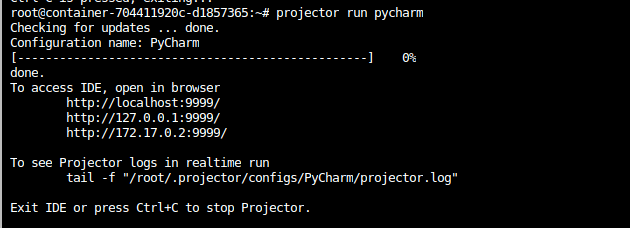
Access the instance via SSH on port 9999
Run the following on your local computer:
ssh -CNg -L 9999:127.0.0.1:9999 root@region-1.webcal.com -p 43370. Replace the port "43370" after the -p parameter with the port specified in your instance's SSH instructions, and replace "region-1.webcal.com" with the address specified in your instance's SSH instructions.
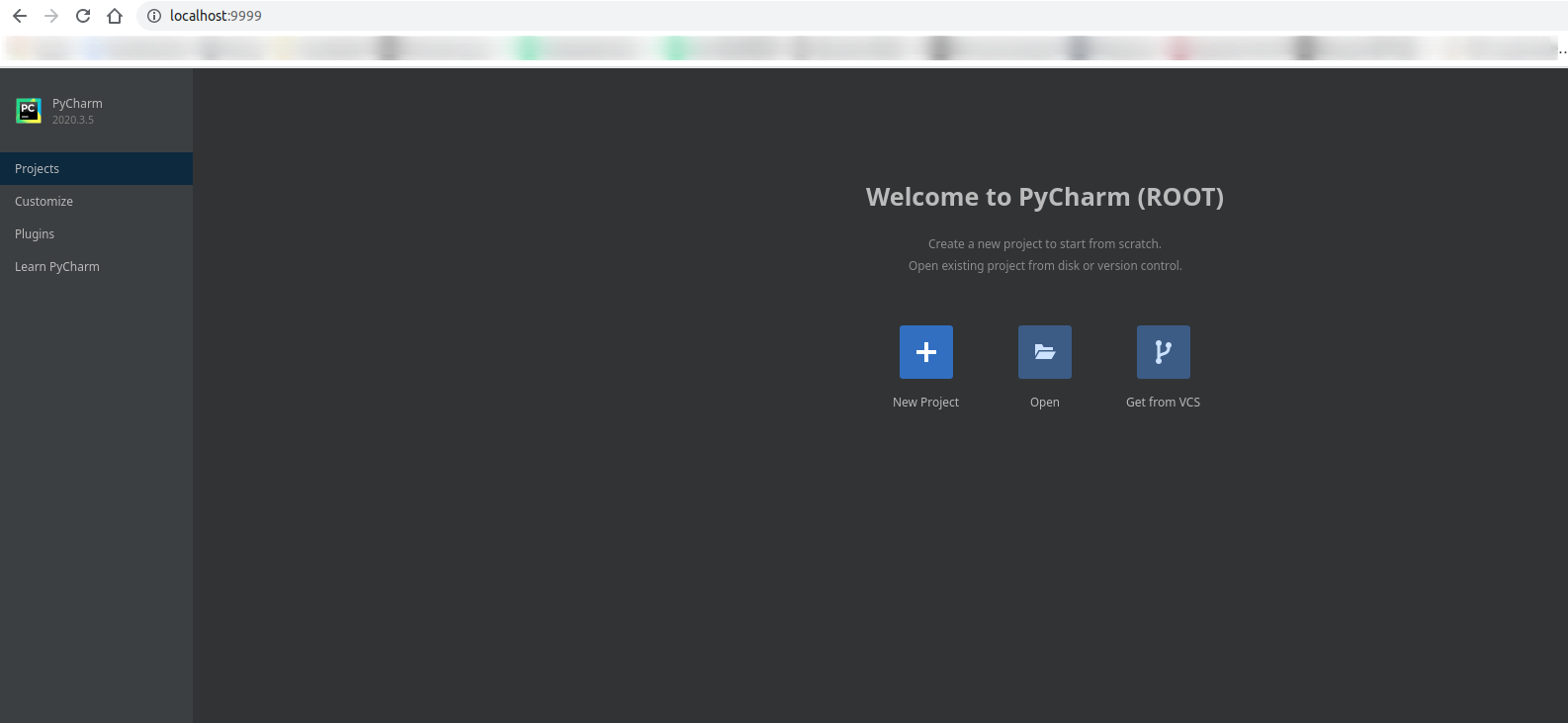
Open PyCharm in a local browser
Access: http://localhost:9999/
You can also use the official Native App client to connect to a remote Projector: https://lp.jetbrains.com/projector/