
ベストプラクティス
FileZilla
If you want a more convenient way to upload and download files or folders from your instance, you can use FileZilla: it’s free and available on all platforms (Mac, Linux, Windows).
Step 1: Installation
Download link. Additionally, the simplest installation method for Linux: sudo apt install filezilla
After installation, the startup screen appears as follows:
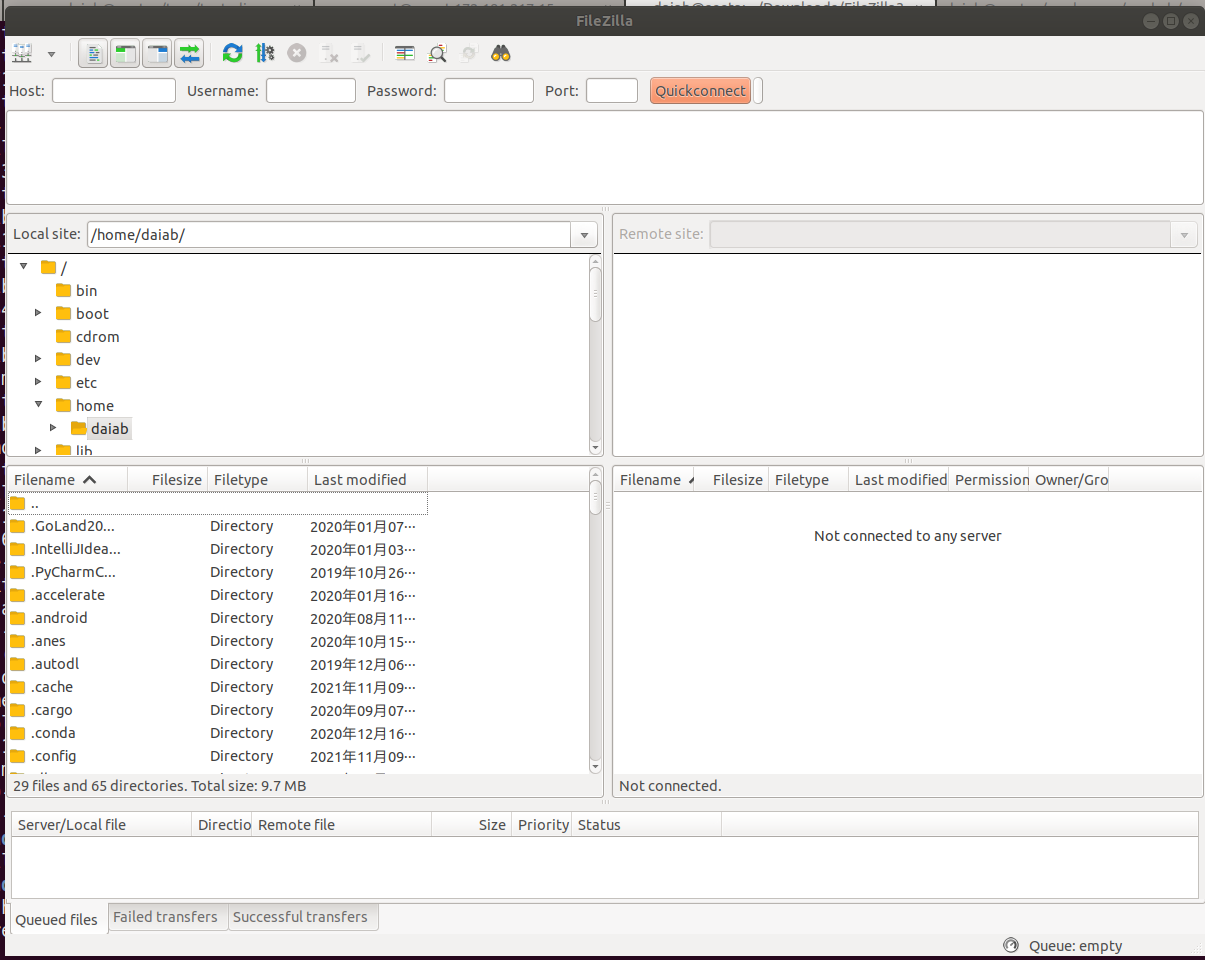
Step 2. Connect
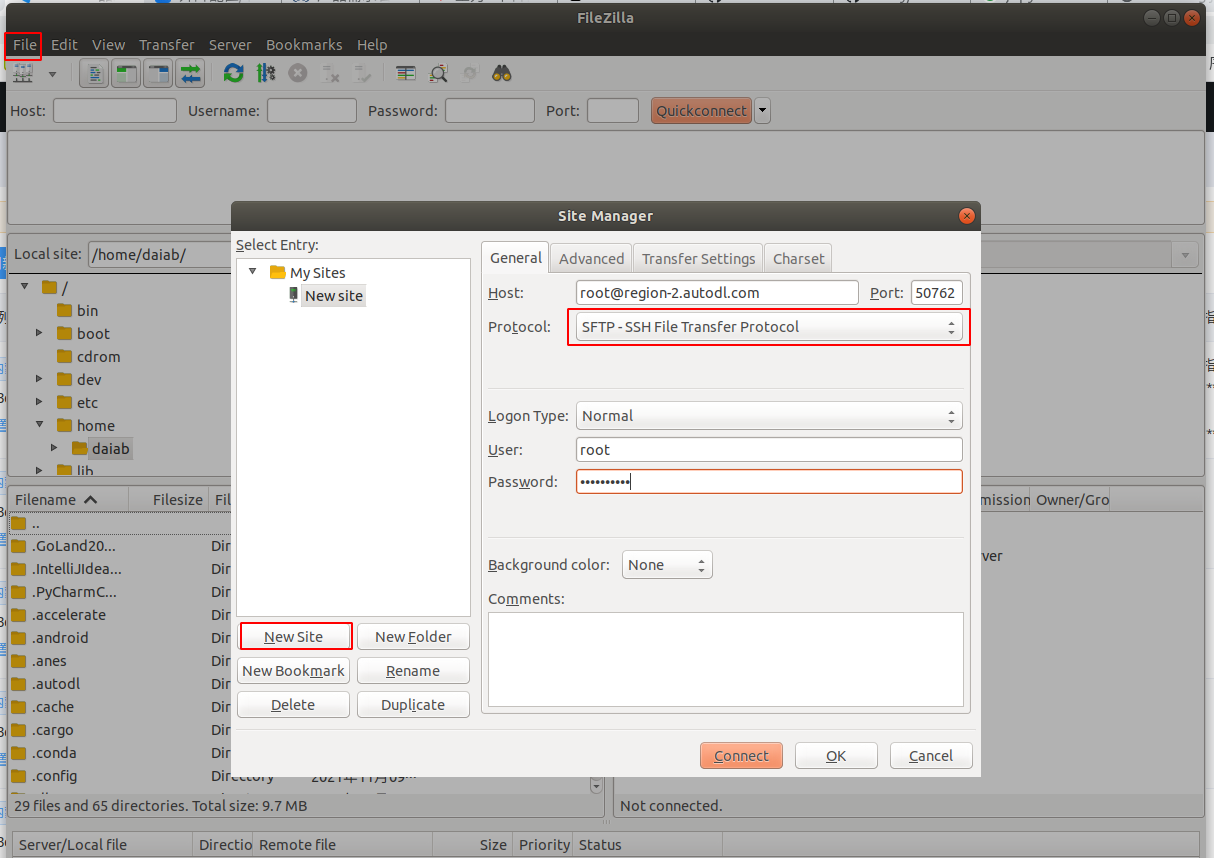
Copy the SSH command for your instance, for example: ssh -p 50762 root@region-2.webcal.com
In the
ssh -p 50762 root@region-2.webcal.comcommand, the meanings of the various parameters are as follows:Username: root
HOST: region-2.webcal.com
Port number: 50762
Open the following pop-up window from [File] - [Site Manager].
Note: Be sure to select the SFTP protocol.
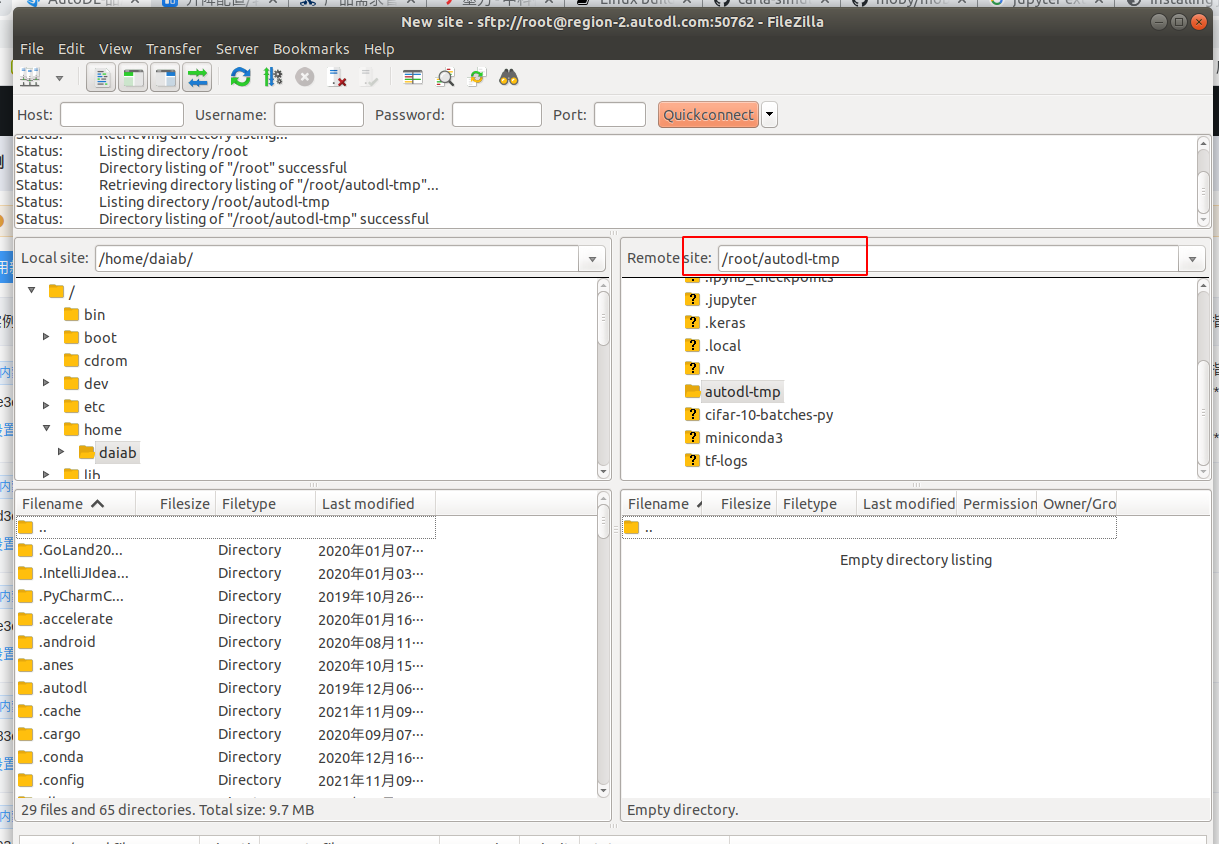
You can now drag and drop files and folders to transfer them.