कंटेनर इंस्टेंस
JupyterLab
⚠️The working directory for JupyterLab is
/root, not the system root directory at/. To view the root directory at/, open a terminal and use the command line.
Introduction to Basic Features
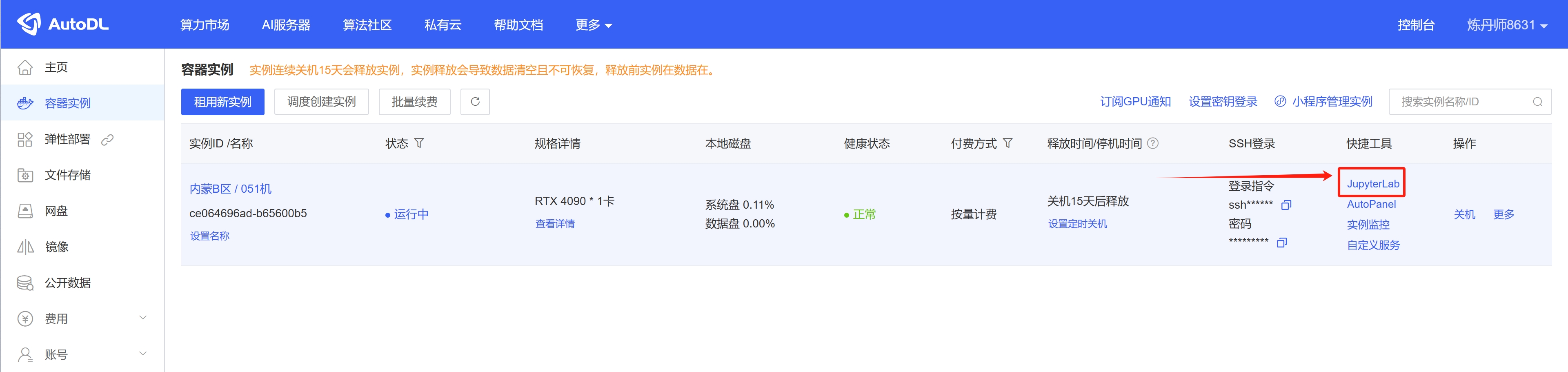
Open JupyterLab: Console -> Container Instances -> JupyterLab
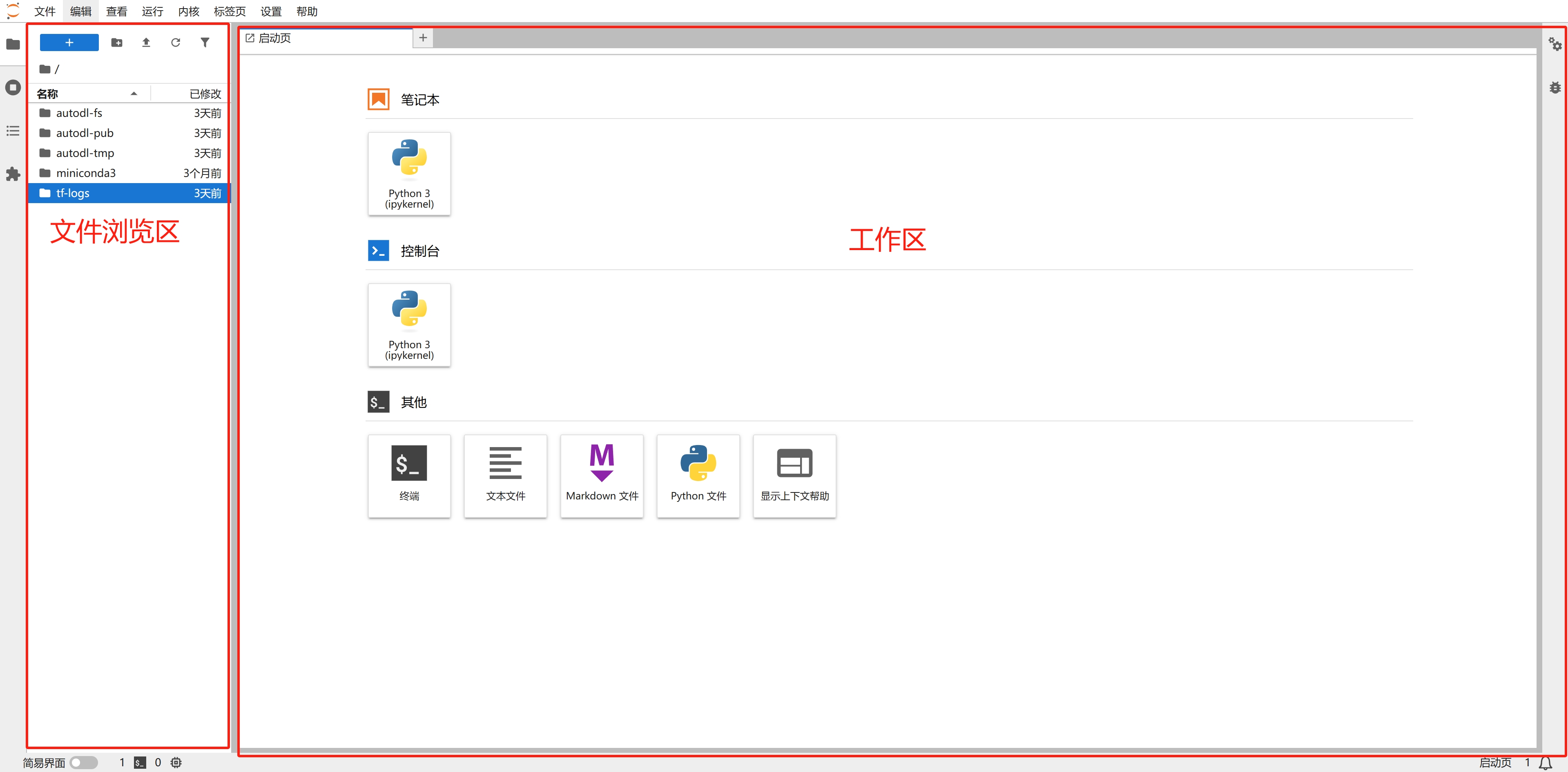
JupyterLab Interface Guide
Upload file
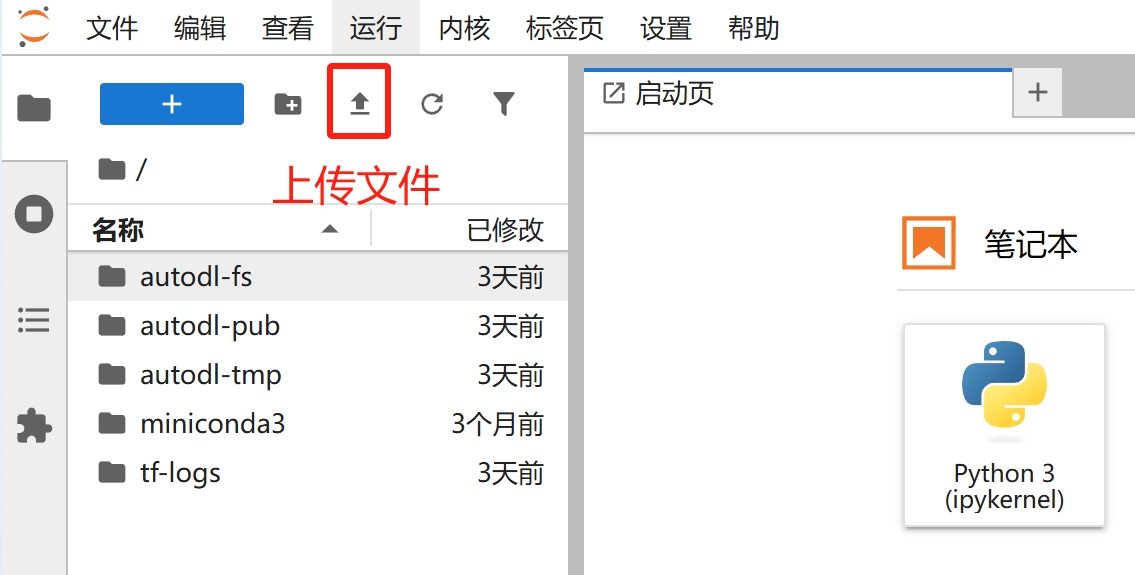
Using Notebooks
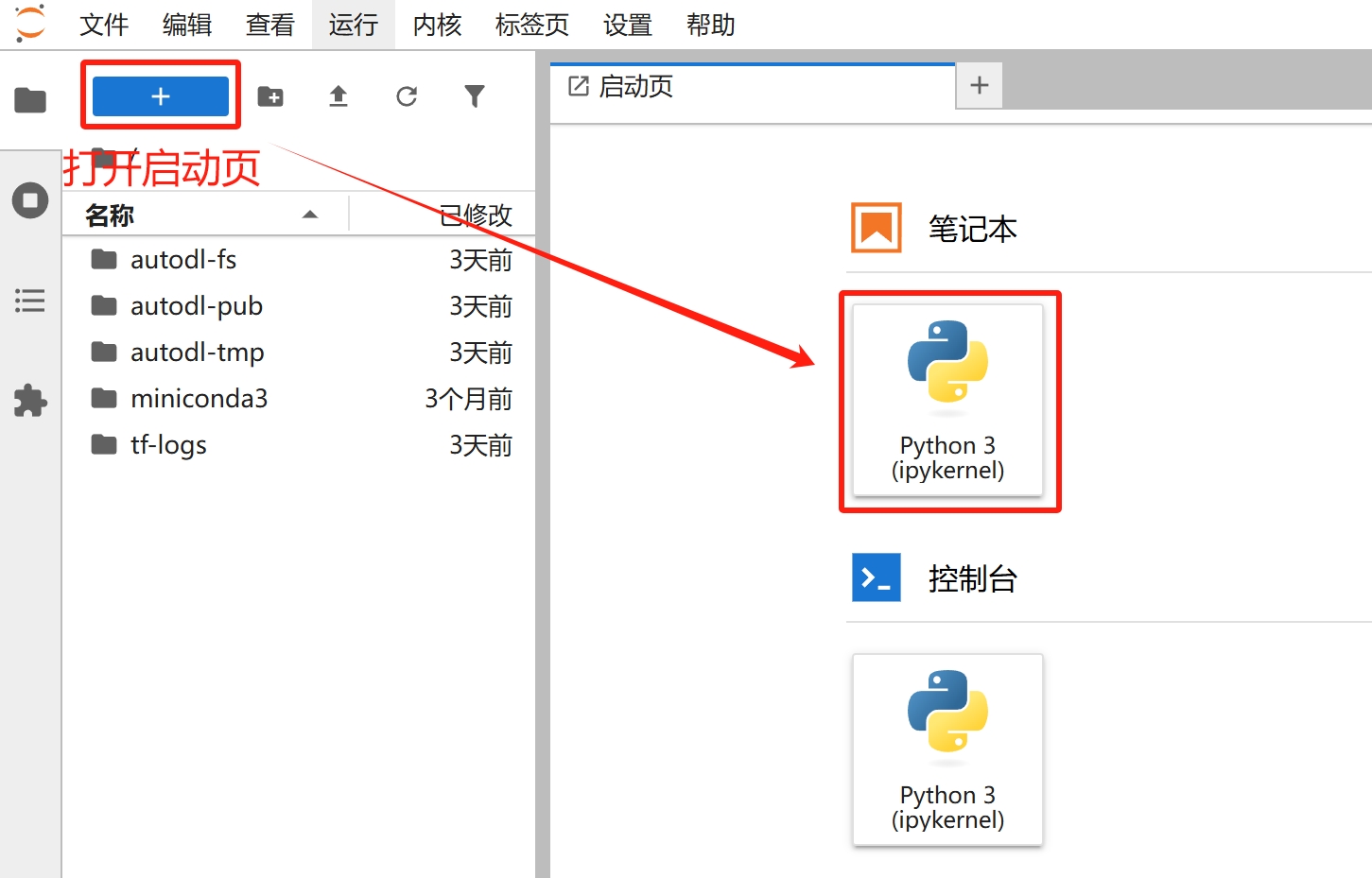
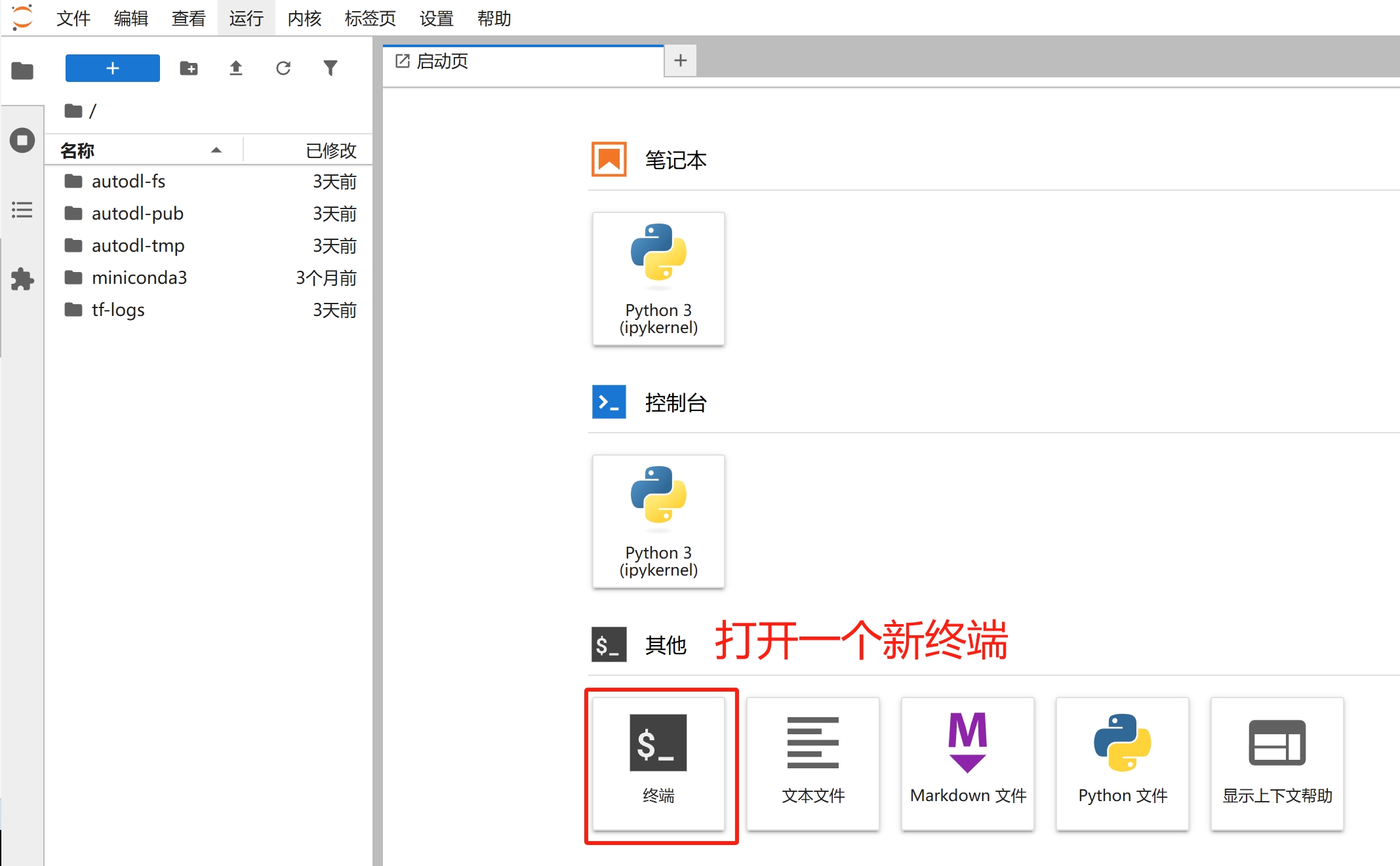
Open a new terminal
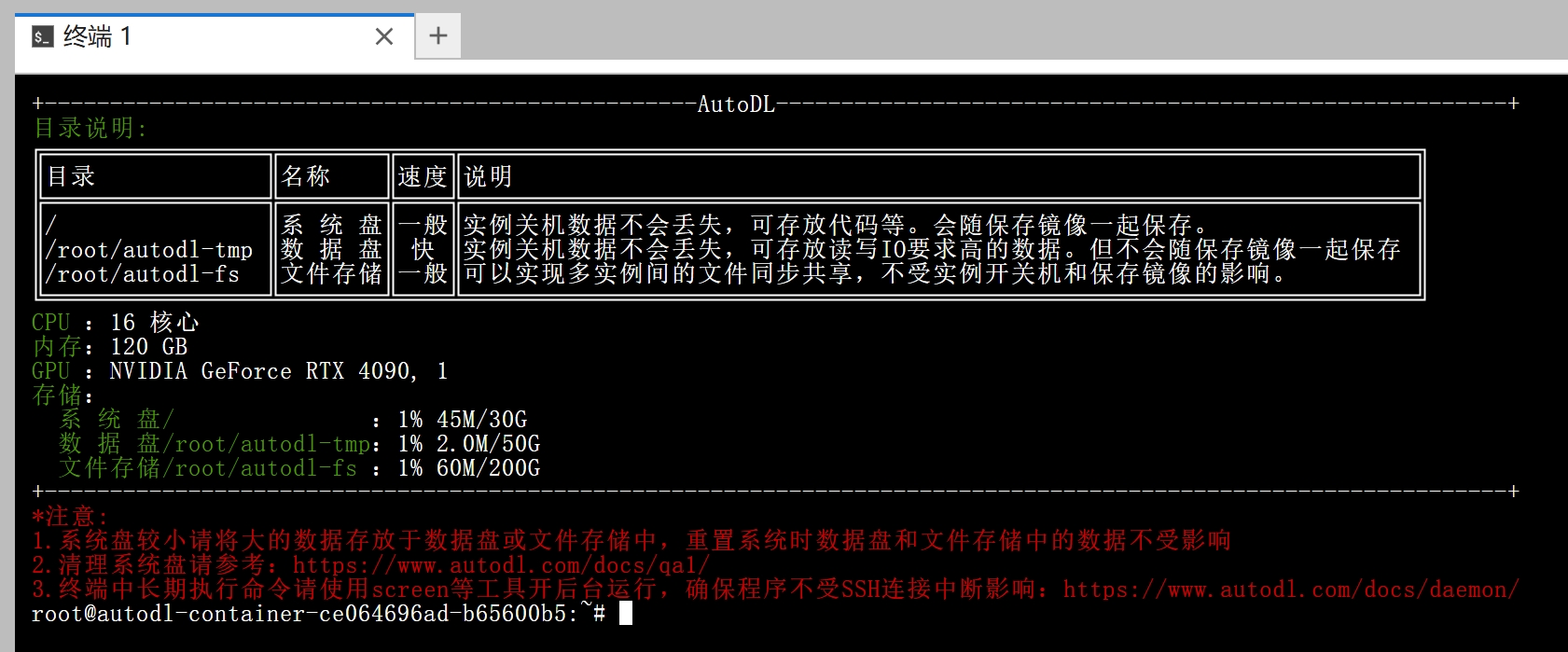
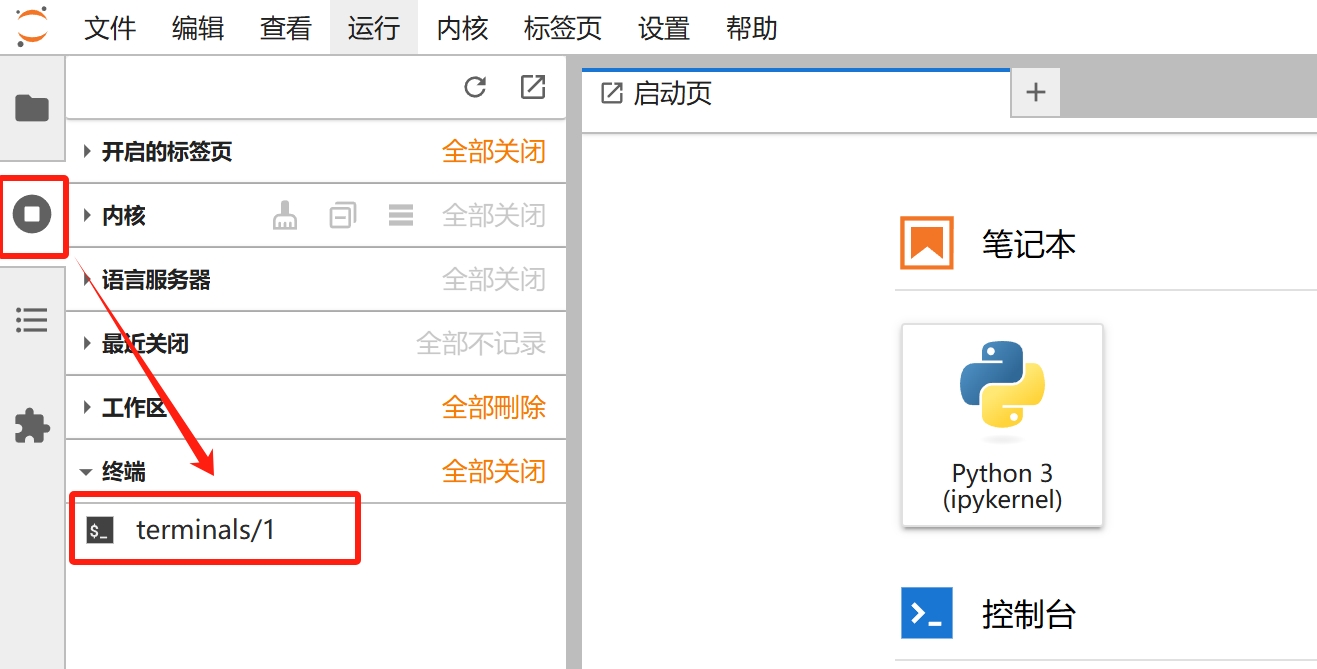
Access the open terminal or Notebook (JupyterLab does not terminate by default when you close the terminal or Notebook tab; it continues to run).
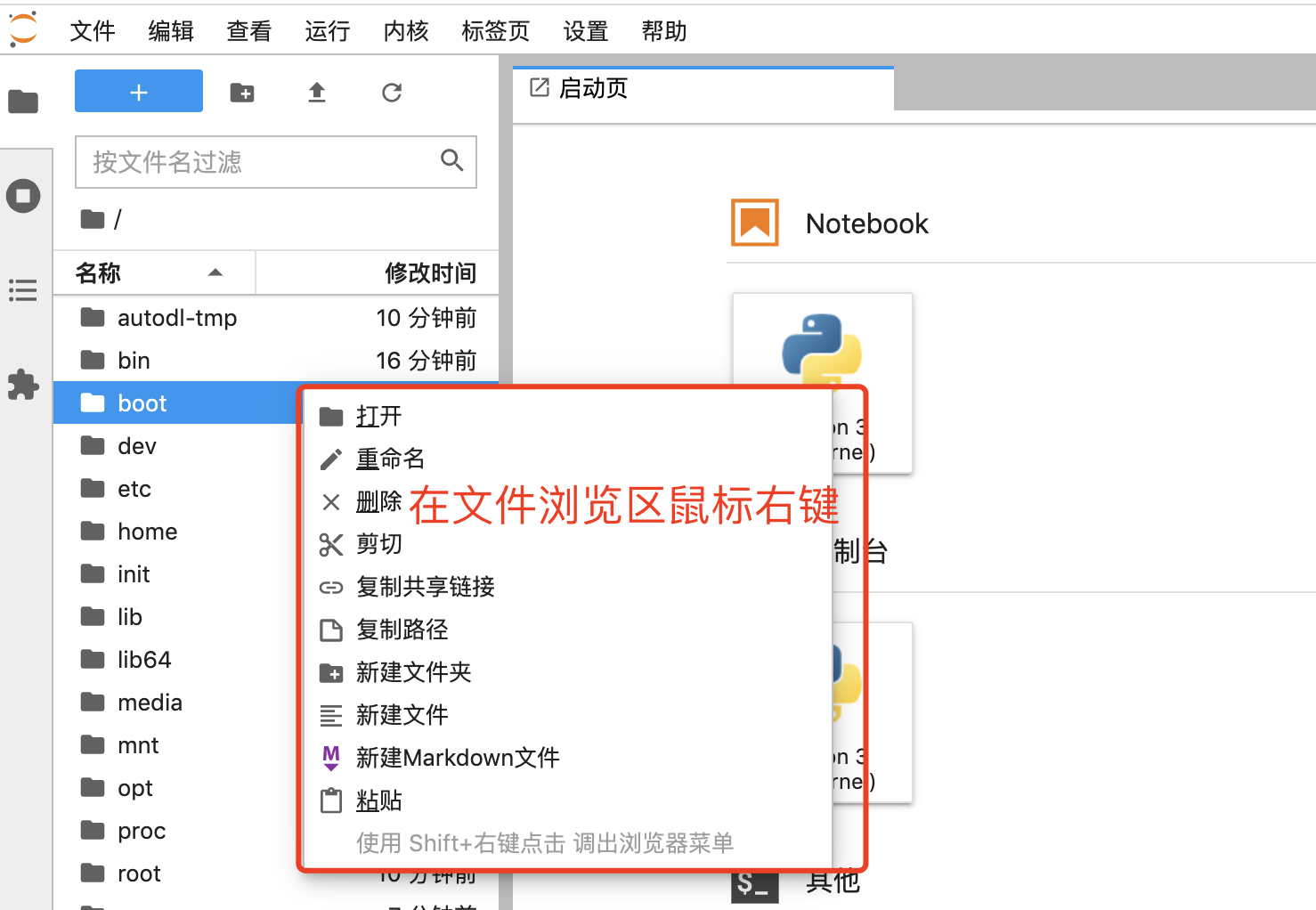
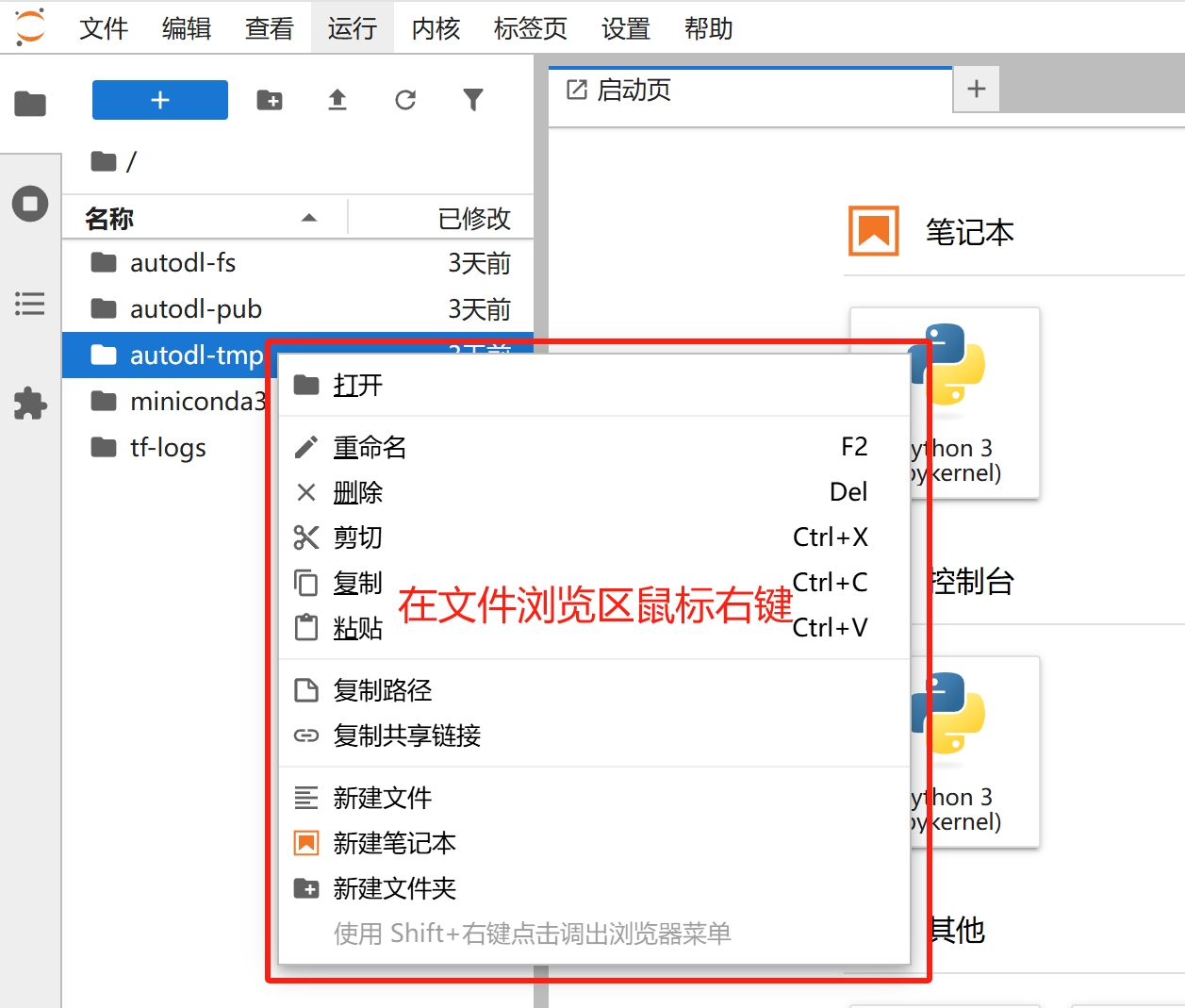
File Management
Appendix: Frequently Asked Questions
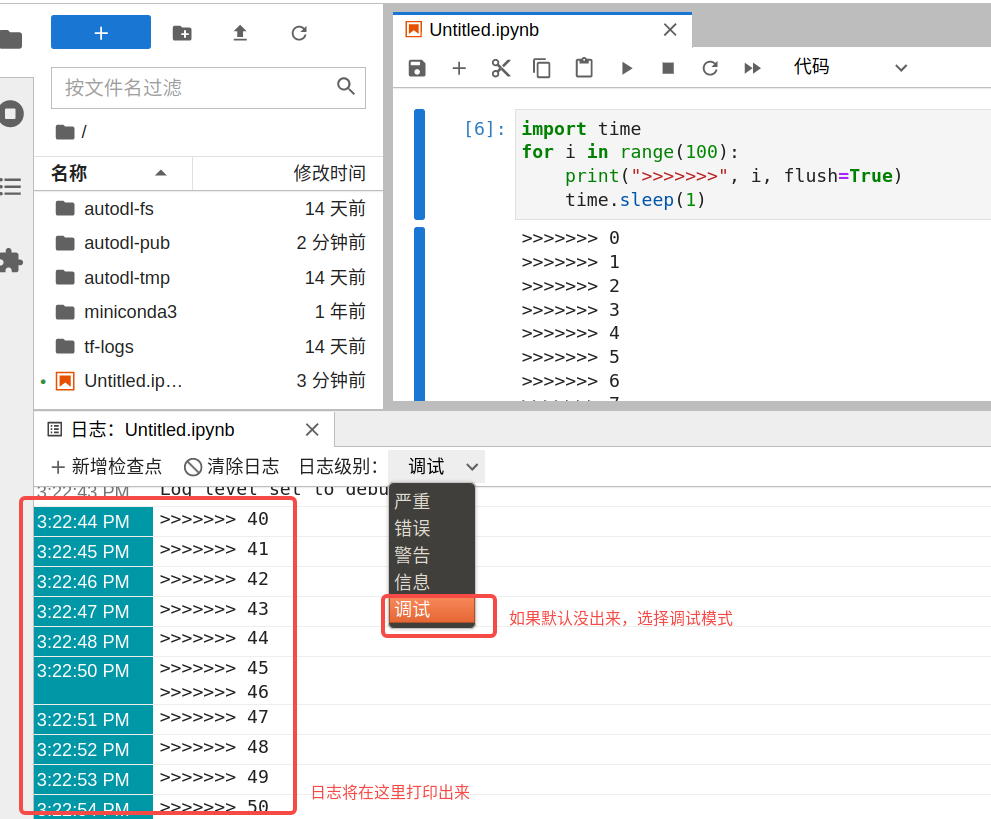
Users running programs in a Notebook may notice that the Notebook’s logs stop updating after a while. In this case, you can use the “Log Console” feature to view the logs. Here’s a step-by-step demonstration of the process:
After running the following code snippet, refresh the webpage and you will see that the logs are no longer updating.
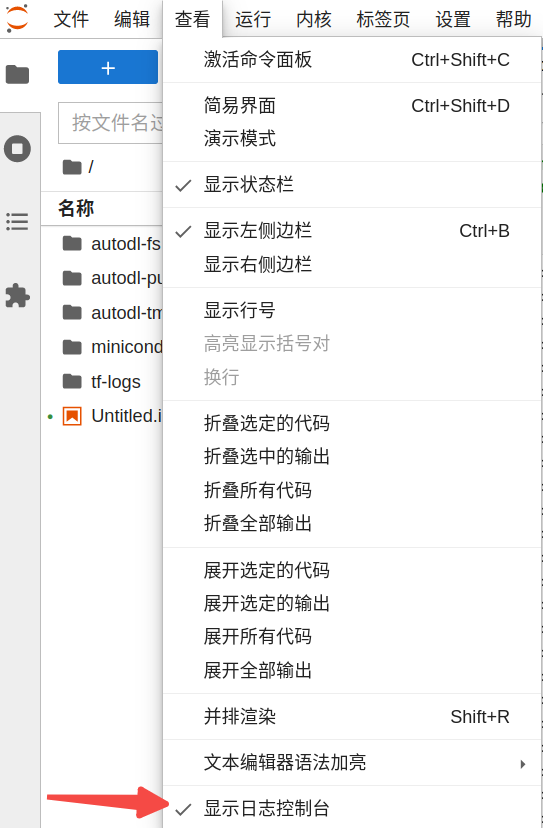
Open the log console: